01
Arrange ideas precisely
Alignment guides, snapping, equal spacing, automatic layouts, multi-selection, and layer ordering keep large boards deliberate rather than chaotic.
 Infinite Whiteboard
Free · local-first · no account
Infinite Whiteboard gives research, plans, stories, and lessons room to breathe. Connect cards, images, Markdown, frames, and timelines on one continuous canvas.
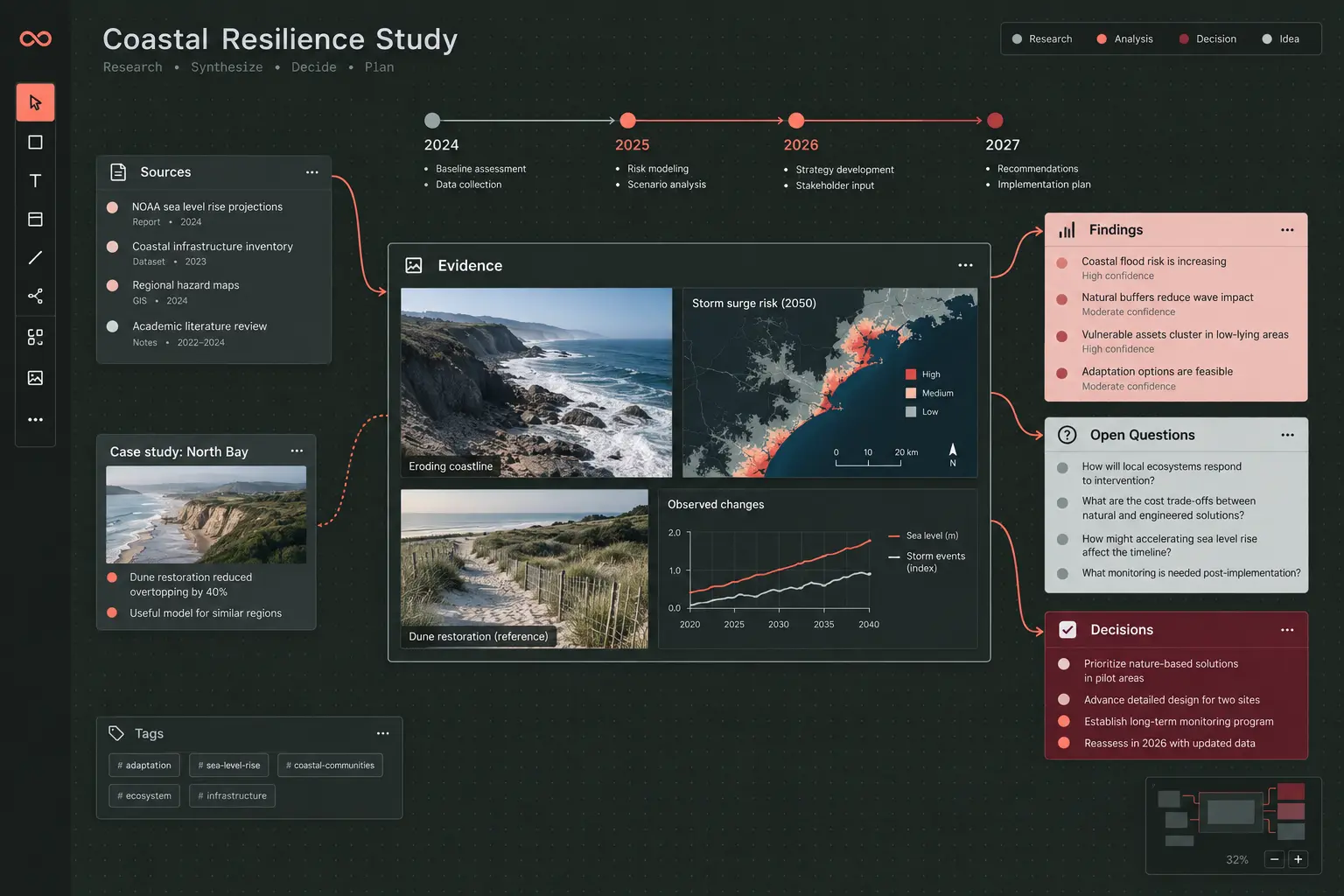
01 Spatial organization
02 Rich visual connections
03 Local data ownership
04 Mouse + touch controls
Structure without confinement
Organize at the level your thinking needs, from one quick card to a deeply nested map of sources, decisions, periods, and relationships.
Alignment guides, snapping, equal spacing, automatic layouts, multi-selection, and layer ordering keep large boards deliberate rather than chaotic.
Draw straight or curved paths between anchors, then add direction, labels, color, and line styles.
Create resizable, nested, collapsible frames. Lock or hide material when you need a focused view.
Build horizontal or vertical era and numeric axes. Attach cards to values so they move when the axis changes.
Use a visual Markdown editor for headings, lists, tasks, tables, links, code, and source-level control.
Primary-drag panning, marquee selection, wheel and trackpad navigation, pointer-centered zoom, pinch gestures, long-press menus, keyboard commands, and touch-sized handles work together as one interaction model.
Four starting points
Each workflow starts with the same primitives and becomes a workspace shaped around the problem.
Explore the workflow →
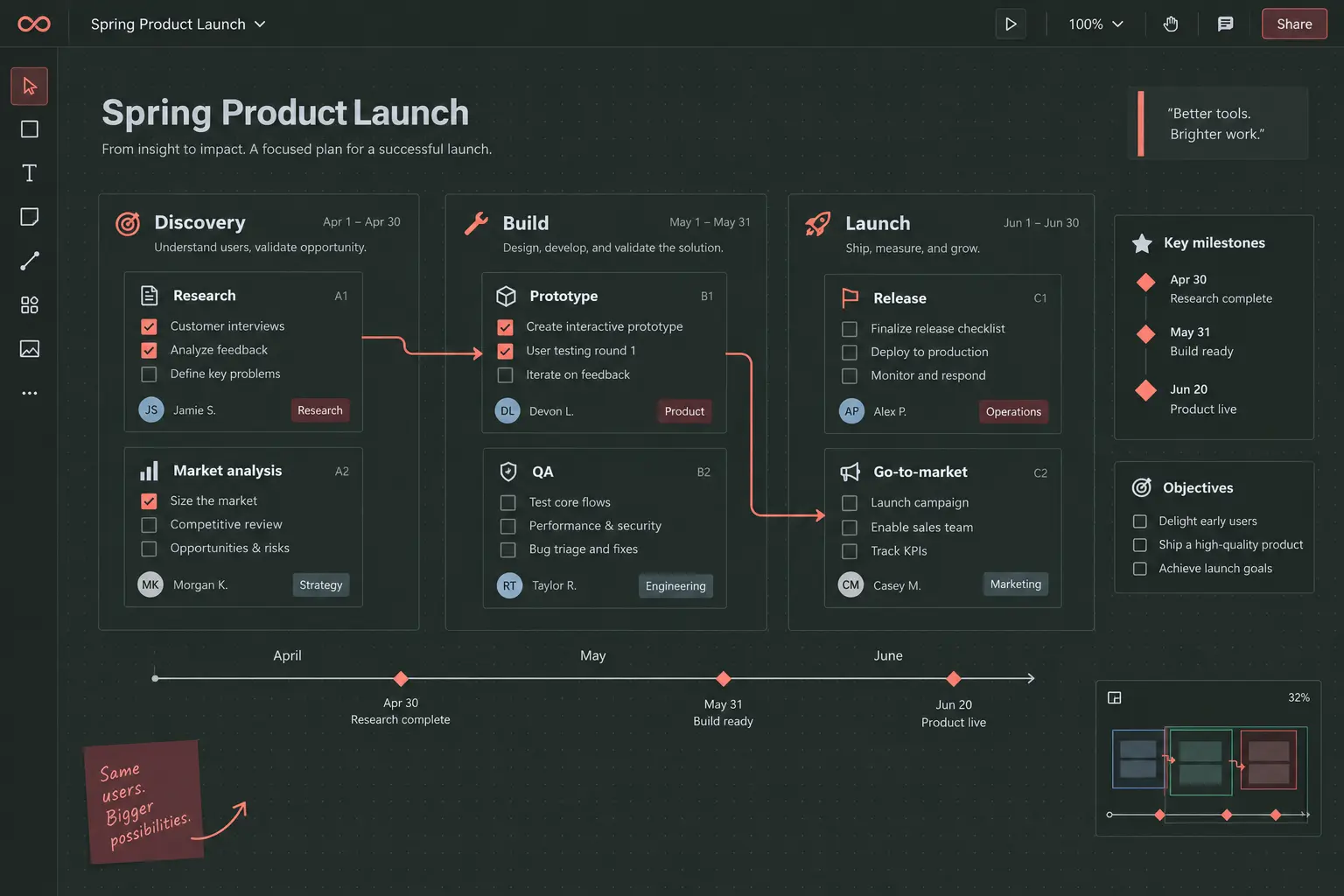
Explore the workflow →
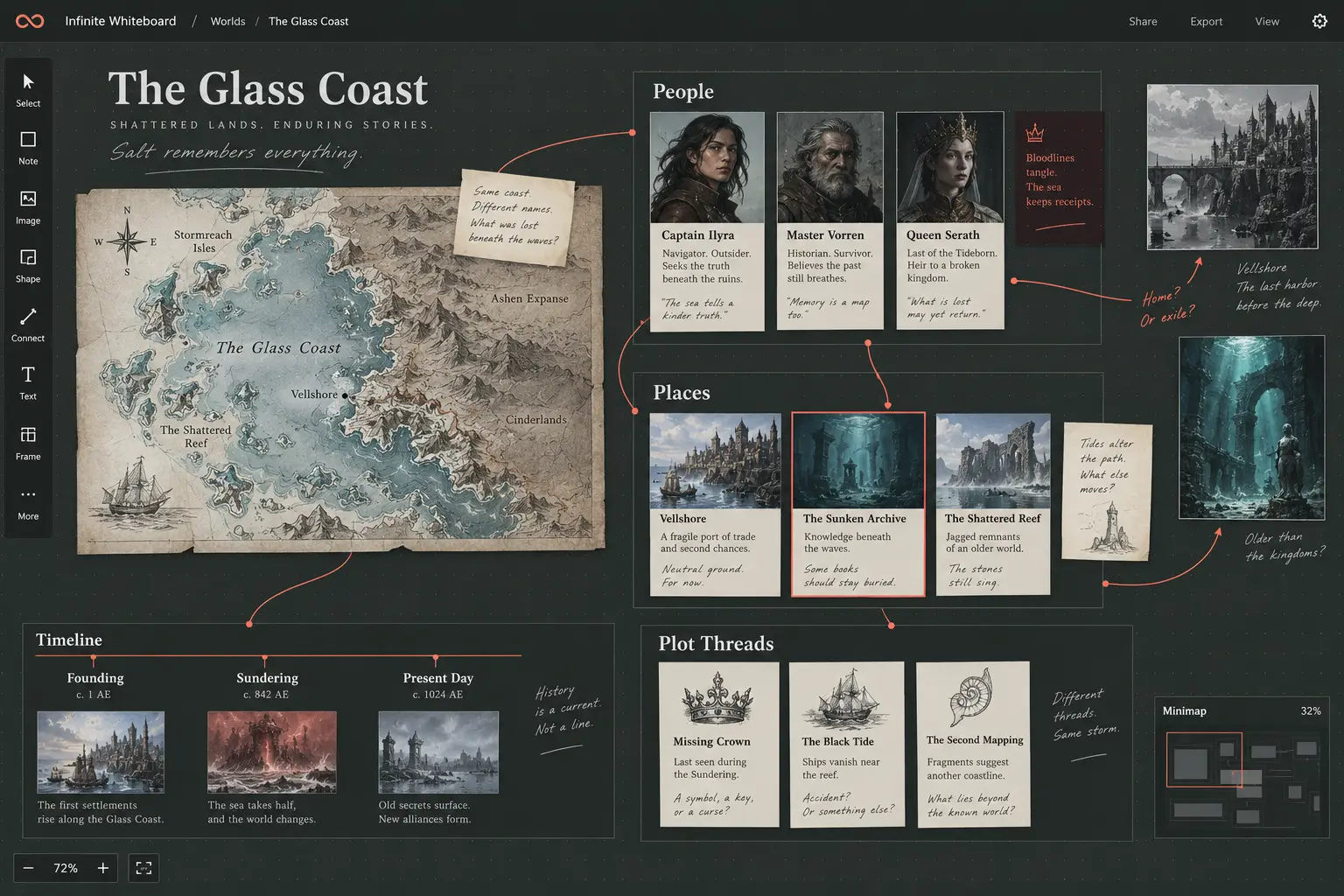
Explore the workflow →
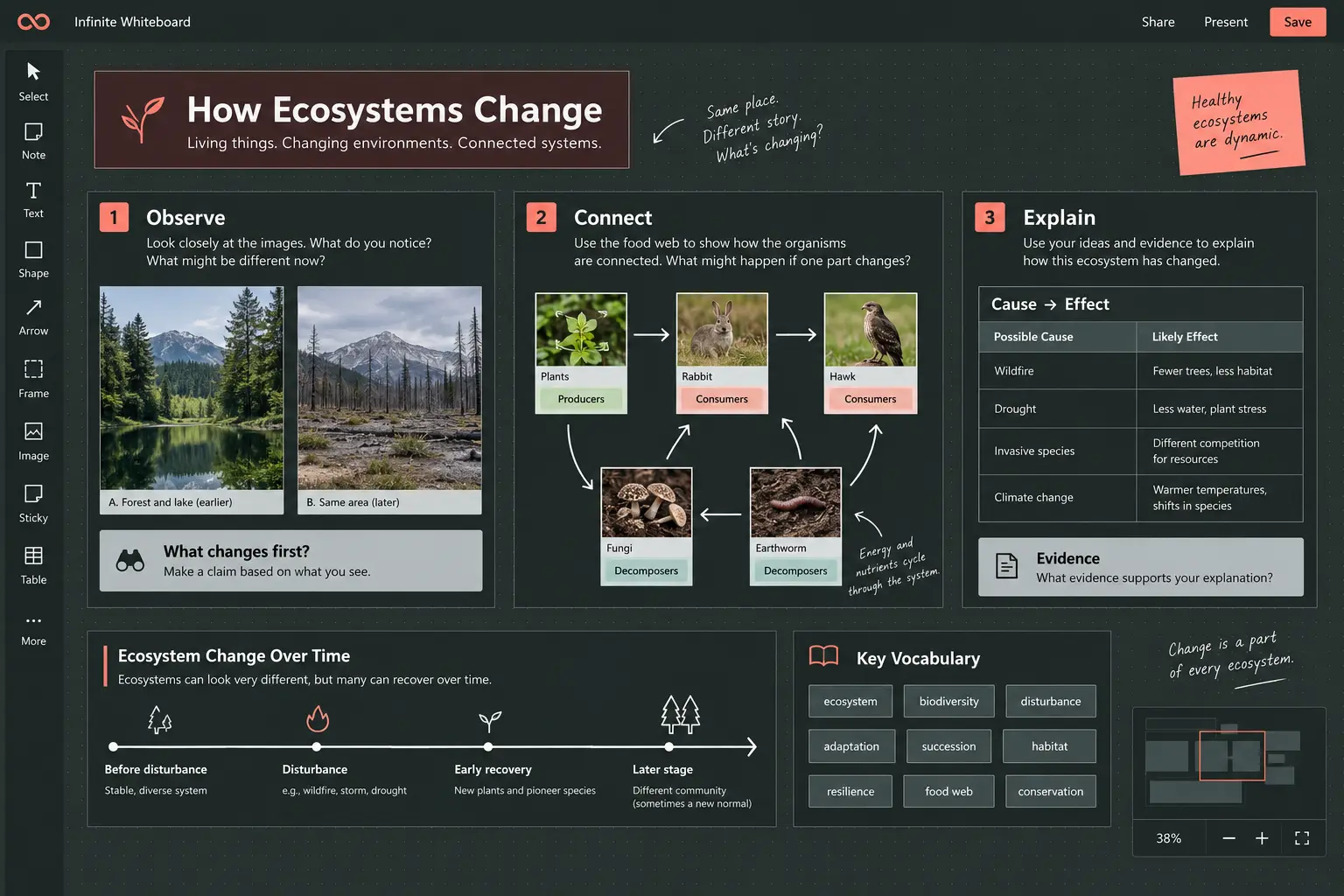
Explore the workflow →
Start in seconds
Place images, text, and Markdown exactly where they should begin.
Move, frame, tag, connect, and align material as patterns emerge.
Use search, layers, bookmarks, the minimap, and zoom-to-selection to move through complexity.
Capture one region as a PNG or export the complete board and original assets as a ZIP.
Local-first by design
Infinite Whiteboard has no account system, analytics, or application backend. Your board data, uploaded files, and history are stored in your browser’s IndexedDB database.
Because browser storage can be cleared, the complete ZIP export is the durable backup. It includes the board data and every original asset.
Start a private board
No setup required
Open a blank board, follow the guided tour, and start arranging.
Launch Infinite Whiteboard